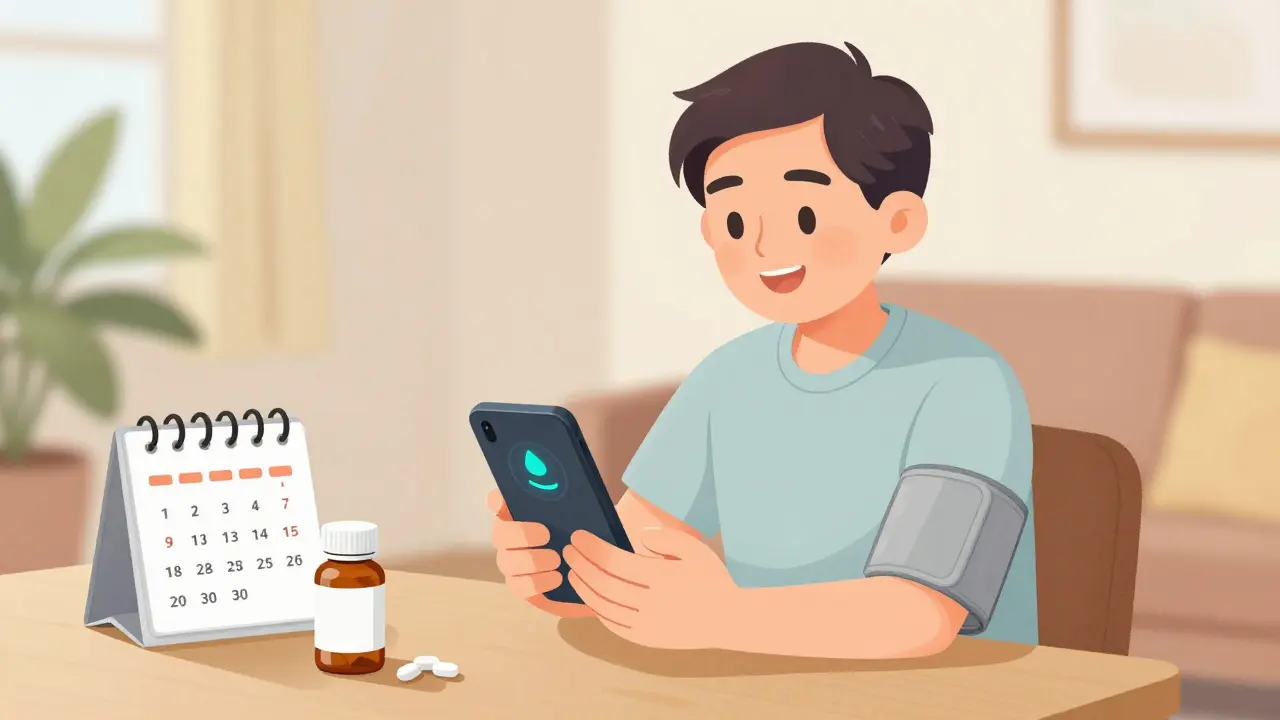
Running out of your blood pressure pills, diabetes meds, or cholesterol medication isn’t just inconvenient-it’s dangerous. Studies show that automatic prescription refills can cut missed doses by up to 30% for people with chronic conditions. If you’re tired of calling your pharmacy, checking your pill bottle, or scrambling when your last refill runs out, setting up auto-refills is one of the simplest ways to stay on track. And yes, it’s free. Most major pharmacies and pharmacy benefit managers (PBMs) offer it at no extra cost beyond your regular copay.
How Automatic Prescription Refills Actually Work
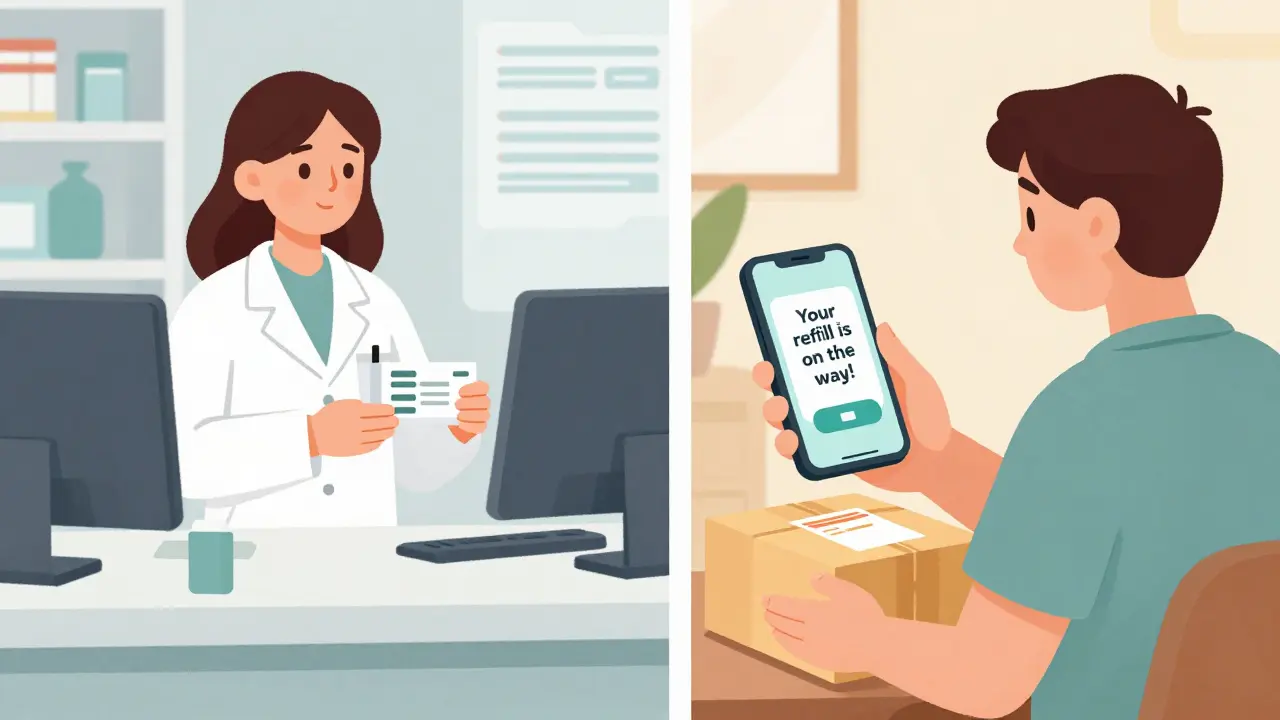
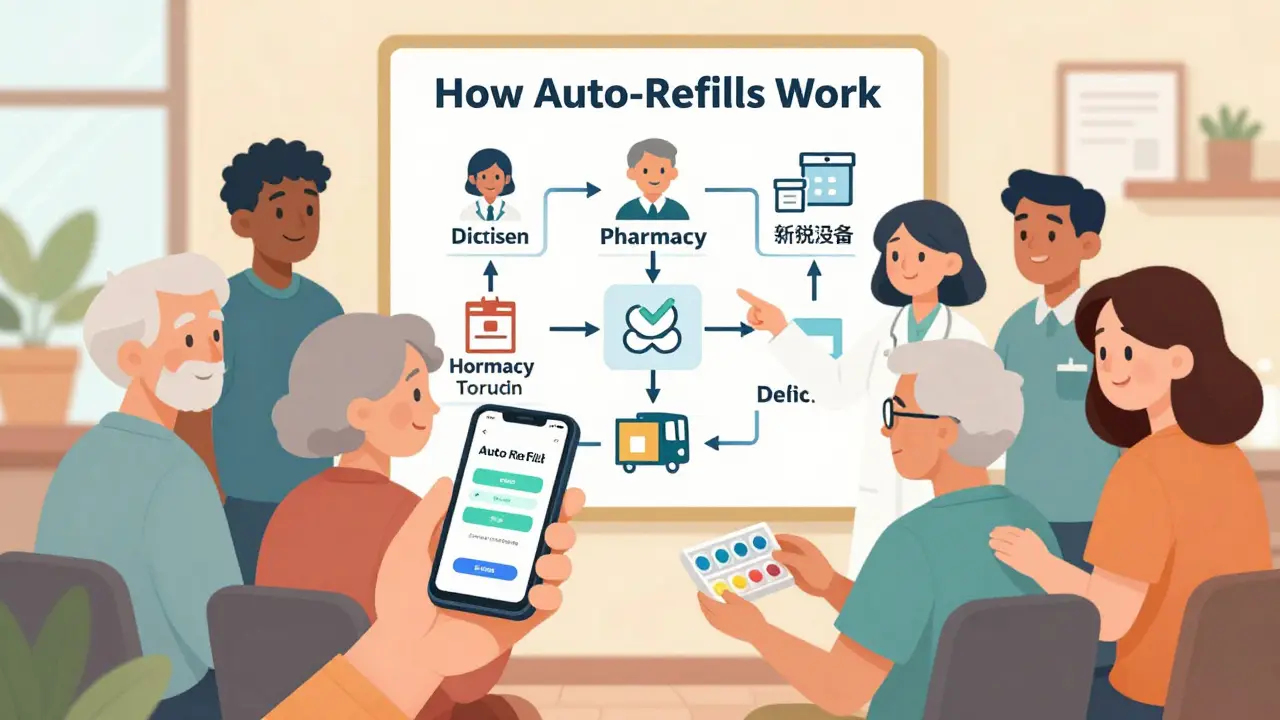
Automatic refills aren’t magic. They’re a system built into your pharmacy’s software that tracks when your current supply will run out and schedules your next one before you even think about it. The pharmacy gets a notification from your doctor’s electronic record or your insurance system, checks if your prescription still has refills left, and then prepares your meds to ship or be ready for pickup.Most systems send you two reminders-by email or text-before your refill ships. That’s your chance to say, “Wait, I don’t need this,” or “My doctor changed my dose.” If you don’t respond, the refill goes out. This buffer gives the pharmacy time to contact your doctor if a prior authorization is needed, which can take days to process.
But here’s the catch: not all prescriptions qualify. Controlled substances like opioids or ADHD meds can’t be auto-refilled under federal law. Some insurers or states also block auto-refills for certain drugs, especially if your treatment plan changes often. For stable conditions like high blood pressure, thyroid issues, or depression, auto-refills work great. For conditions where doses change often-like diabetes or heart failure-they can be risky if you’re not paying attention.
Who Offers Automatic Refills?
You don’t need to switch pharmacies to get this. Nearly every major chain and PBM supports it:- CVS, Walgreens, Rite Aid: Use their mobile apps or websites. Log in, go to “My Prescriptions,” and toggle auto-refill on for any eligible med.
- Express Scripts: Go to “Prescriptions” > “Automatic Refills” > “Manage Prescriptions.” You can pick which drugs to include.
- Optum Rx: Click “Enroll” next to a prescription, then choose your preferred refill date. You can even set it for a day you know you’ll be home to receive it.
- CenterWell Pharmacy: Navigate to “My Rx” > “Manage Automatic Refills.” They also let you pick your delivery day and update your shipping address.
These systems are all similar. The main difference? How easy it is to use. Optum Rx and CenterWell have cleaner interfaces. Walgreens’ site is clunkier-many users report confusion when trying to find the auto-refill button.
Step-by-Step: How to Set It Up
You can do this in under 10 minutes. Here’s how:- Create or log in to your pharmacy account. If you’ve never used their website or app, sign up with your name, date of birth, and insurance info. You’ll need your prescription number or pharmacy phone number to link your meds.
- Find your list of active prescriptions. Look for a section called “My Prescriptions,” “Refills,” or “Medication List.”
- Look for the auto-refill toggle. It might say “Enroll in Auto-Refill,” “Set Up Automatic Refills,” or just a switch button. Click it.
- Select which prescriptions to include. Only choose meds you take daily or weekly for long-term conditions. Skip antibiotics or as-needed drugs.
- Confirm your shipping address. Make sure it’s correct. If you’re using mail delivery, your home address must match your insurance records.
- Choose your preferred refill date (if available). Some systems let you pick a day-like “every 30 days on the 5th.” Others auto-schedule based on your last refill date.
- Save and confirm. You should get a confirmation email or app notification.
If you don’t see the auto-refill option for a specific med, it’s likely because:
- The prescription is for a controlled substance
- Your insurance requires prior authorization and the system can’t process it automatically
- You’re in a state that bans auto-refills for Medicaid patients (like Missouri)
- Your prescription has no refills left
In those cases, call your pharmacy. They can manually check eligibility or help you switch to a different pharmacy that supports auto-refills.
What You Need to Watch Out For
Auto-refills are great-but they’re not foolproof. Here’s what can go wrong:- You get a refill you don’t need. If your doctor changed your dose or stopped a med, you might still get it shipped. Always check your delivery. If you get something you shouldn’t, don’t take it. Call your pharmacy right away.
- Multiple pharmacies sending you the same drug. If you use more than one pharmacy (say, one for insulin, another for blood pressure), you could end up with duplicates. Stick to one pharmacy for maintenance meds.
- Insurance changes. If your plan switches or your copay changes, auto-refills might pause. Update your insurance info in your account regularly.
- State restrictions. In Missouri and 26 other states, Medicaid patients can’t be auto-enrolled. You must give explicit consent. If you’re on Medicaid and auto-refills disappeared, check with your state’s health department.
One study found that 8-12% of patients who use auto-refills end up with unused meds because they forgot they signed up. That’s why reminders matter. If you get an email saying your refill is on the way, take 30 seconds to confirm you still need it.
Why This Matters for Your Health
Skipping your meds-even just once or twice a month-can lead to hospital visits, worsening conditions, and higher long-term costs. The NIH found that people using auto-refills refill their prescriptions 3-5 days faster than those who request refills manually. That small buffer can mean the difference between staying stable and having a health crisis.For people with diabetes, hypertension, or high cholesterol, auto-refills are linked to better lab results and fewer ER visits. CVS Health reported a 23% drop in abandoned prescriptions among auto-refill users. That means more people are actually taking their meds.
Pharmacists notice the difference too. One pharmacist in Brisbane told me, “I used to get 15 calls a day from people panicking because they ran out. Now, with auto-refills, that’s down to two or three. We use that time to check in on patients who need help, not just hand out pills.”
What to Do If It Doesn’t Work
If you’ve tried setting it up and it’s not working:- Call your pharmacy’s customer service line. Ask, “Is my prescription eligible for auto-refill?”
- Ask if your insurance requires prior authorization for that drug. If yes, your doctor may need to submit a new form.
- Check if your address or insurance info is outdated in your account.
- If you’re on Medicaid and live in Missouri, Arkansas, or another restricted state, you may need to opt in manually. Ask your pharmacist for a consent form.
- If your pharmacy won’t help, switch to a different one. Many people use CVS or Walgreens for auto-refills even if they get their prescriptions filled elsewhere.
Don’t give up. Auto-refills aren’t perfect, but for most people on long-term meds, they’re the easiest way to stay consistent.
Alternatives to Auto-Refills
If auto-refills aren’t right for you, here are other options:- Medication synchronization: Your pharmacy aligns all your prescriptions to refill on the same day each month. You still request refills, but they all come at once. This is allowed even in states that ban auto-refills.
- Text reminders: Many pharmacies offer free text alerts when your refill is ready. You still have to request it, but you won’t forget.
- Smart pill dispensers: Devices like Hero or MedMinder dispense pills on schedule and notify caregivers if you miss a dose. These cost money but work well for people with memory issues.
For most people, auto-refills are the best balance of convenience and safety. They’re not a cure-all, but they’re the closest thing we have to a hands-off way to stay healthy.
Can I turn off auto-refills after I sign up?
Yes. You can turn off auto-refills anytime through your pharmacy’s app or website. Just go to your prescription list, find the auto-refill toggle, and switch it off. You can also call customer service and ask them to disable it for you. You won’t be locked in.
Do I have to pay extra for automatic refills?
No. Auto-refills are a free service offered by pharmacies and pharmacy benefit managers. You still pay your regular copay or coinsurance, but there’s no additional fee for the automatic system itself. Shipping is often free too, especially for mail-order refills.
Why can’t I set up auto-refills for my insulin?
Insulin is often excluded because dosages change frequently based on blood sugar levels. Auto-refills assume your prescription stays the same, but insulin needs constant monitoring. If your doctor adjusts your dose, you could get the wrong amount. Some pharmacies allow auto-refills for insulin if your dose hasn’t changed in 6+ months-ask your pharmacist.
What if I move or change my address?
Update your address in your pharmacy account as soon as possible. If your refill ships to an old address, you might not get it. If you’re using mail delivery, your insurance may also need to be updated. Contact your pharmacy directly if you’re unsure.
Are auto-refills safe for seniors?
Yes, and they’re especially helpful for older adults who take multiple medications. Auto-refills reduce the risk of missed doses and drug interactions. Many seniors use family members to help set up the system. Just make sure the person managing the account knows when prescriptions change or when the senior stops taking a drug.
Can I get auto-refills for my pet’s medication?
No. Auto-refill systems are only for human prescriptions. Pet meds are managed separately, usually through veterinary clinics or specialty pet pharmacies. You’ll need to call or schedule refills manually.
Next Steps: What to Do Today
If you take any daily medication for a chronic condition:- Open your pharmacy’s app or website right now.
- Log in to your account.
- Find your list of prescriptions.
- Turn on auto-refill for at least one med.
It takes less time than waiting in line at the pharmacy. And if you’re already enrolled, check your next refill date. Make sure it lines up with your schedule. If you’ve been getting unexpected shipments, go in and adjust the settings. You’re in control.
Medication adherence isn’t about willpower. It’s about systems. Auto-refills are one of the most effective tools we have to make sure you get the meds you need-without you having to remember a single thing.

Jeffrey Frye
auto-refills are great until you get a 90-day supply of metformin you don't need because your doc changed your dose and forgot to update the system. then you got 180 pills gathering dust and your bank account still charged. pharmacy apps are a joke.
Andrea Di Candia
i used to forget my meds all the time. since turning on auto-refills for my blood pressure pills, i haven't missed a single dose. it's not magic, but it's the closest thing to a safety net we've got. small systems, big impact.
bharath vinay
this is all part of the pharmaceutical-industrial complex. they want you dependent on automated systems so they can track your every pill, sell you more data, and quietly raise prices. you think this is convenience? it's surveillance with a side of insulin.
John Pearce CP
The implementation of automated pharmaceutical dispensing protocols, while ostensibly beneficial, represents a dangerous erosion of individual agency in healthcare decision-making. One must question the institutional motives behind such systems, particularly when regulatory oversight remains inconsistent across state jurisdictions.
Payson Mattes
you know what's wild? my grandma set this up for me last year and now she's on it too. she said she used to call the pharmacy every week like it was her job. now she just gets her pills and forgets about it. i told her she's basically a cyborg now. she laughed and said 'better than a robot, honey.'
Bhargav Patel
The efficacy of automated prescription refill systems is contingent upon the integrity of the underlying data infrastructure. In jurisdictions where electronic health records are fragmented or interoperability is limited, the system's reliability diminishes significantly. One must exercise due diligence in verifying prescription eligibility and insurance alignment.
Steven Mayer
auto-refills are a band-aid for a broken system. we're outsourcing compliance to algorithms because the healthcare system can't afford to have pharmacists actually talk to patients. now we get pills we don't need and no one calls to ask if we're okay. it's efficiency at the cost of care.
Charles Barry
this is why you can't trust corporations with your health. they don't care if you live or die, they just want you hooked on their system so you never switch to a cheaper pharmacy. i stopped using all auto-refills after they shipped me my ex-wife's antidepressants by accident. that wasn't a glitch. that was a betrayal.
Rosemary O'Shea
Honestly, I find it deeply concerning that we’ve normalized surrendering control over our own medical regimens to faceless corporate platforms. It’s not convenience-it’s passive surrender to a system that treats patients as data points. I’d rather remember to call than let an algorithm decide when I’m ‘due’ for my pills.
siddharth tiwari
auto refills r a scam. my cousin got 3 diffrent types of blood thinners sent to him because the system got confused. he almost died. now he only takes meds he picks up himself. no apps. no robots. just him and his calendar.
Diana Alime
i set this up and now i get like 4 packages a month and half of em are stuff i stopped taking 6 months ago. pharmacy won't fix it. i just throw em out. so much plastic waste. so dumb.
Dan Gaytan
this changed my life 🙏 i used to panic every 2 weeks wondering if i'd run out. now i just see the notification and go 'oh cool, my pills are coming'. my anxiety went down just from not having to think about it. thank you to whoever built this. you're a real one.